 EquipLoop
Manual
Form and filing workflow
- Create handover form
- Print / PDF
- Employee signs
- Store document
- Find document later
FREE PDF GENERATOR • NO EMAIL REQUIRED
Create a clear, professional record whenever company equipment changes hands.
Choose the fields you need, add one or more equipment items and your company logo, then create a ready-to-sign PDF with a clear item table in minutes.
Document preview
Company
Northstar Operations
Employee
Alex Johnson • EMP-104
Equipment
Dell Latitude • IT-0042
Condition
Good • Charger included
to create
selectable fields
ready to print
completely free
BUILD YOUR DOCUMENT
Select the headings you need, add every item being issued, and leave out the fields you don't. The generated PDF places all equipment in a structured table.
WHY USE A HANDOVER FORM?
A signed handover form gives the employee and the business the same record of what was issued, when it was issued and the condition it was in.
MANUAL VS EQUIPLOOP
A downloadable form is a useful start. When the volume grows, EquipLoop removes document filing and keeps the current holder and full history connected to the equipment.
Manual
EquipLoop
OUTGROWING PAPERWORK?
EquipLoop lets you issue equipment digitally, keep the handover history and see exactly what each employee has.
COMMON QUESTIONS
Answers about customising, downloading and using the free form generator.
An equipment handover form records the company asset given to an employee, its identifying details and condition, relevant dates, included accessories and both parties' acknowledgement. It creates a clear point-in-time record of responsibility.
Yes. You can customise the form and download the generated PDF for free. No email address, account or credit card is required.
Yes. Every detail can be selected or unselected before creating the PDF. You can include only the company, employee, equipment, handover and accessory information relevant to your process.
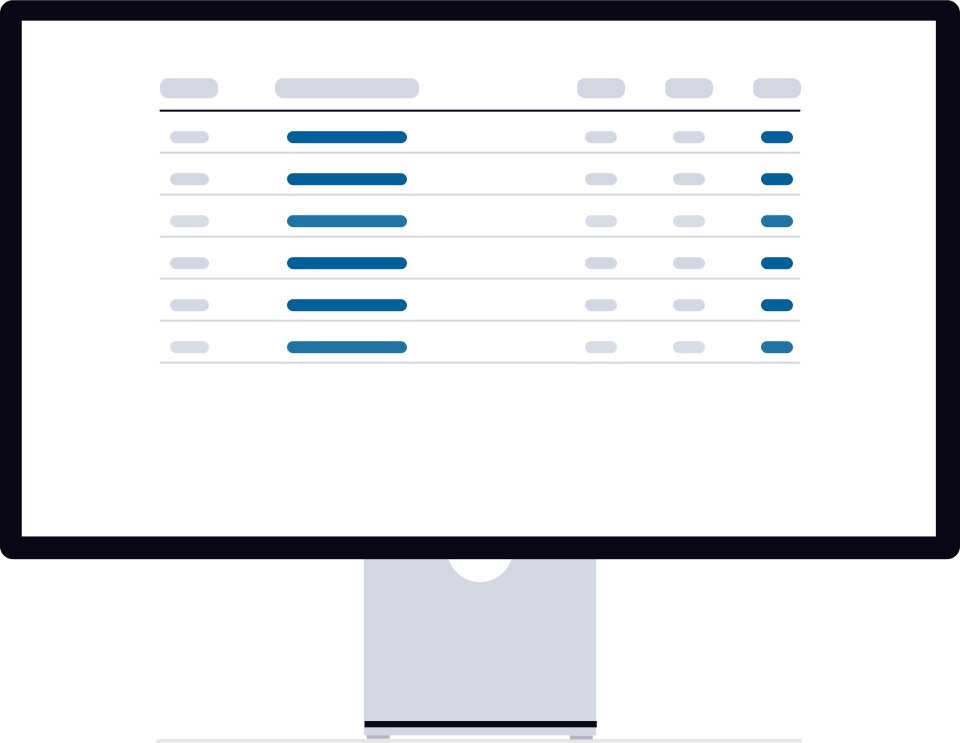
Yes. Add as many equipment items as needed for the handover. Each item appears as a separate row in a structured table in the generated PDF.
Yes. Upload a PNG or JPG logo and it will be included in the generated equipment handover form. The image and all entered information stay in your browser.
No. This free generator creates the PDF in your browser and does not send the form details to EquipLoop. If you choose to use EquipLoop online, your workspace records are stored securely as part of the service.
A PDF captures one handover and must be filed and found manually. EquipLoop connects employees and equipment to a live issue record, preserves the history automatically, and makes current responsibility easier to see.
MAKE THE HANDOVER CLEAR
Generate a free PDF for today. When you need current records and automatic history, create a free EquipLoop workspace.