 EquipLoop
Equipment register
Keep asset IDs, serial numbers, categories, photos, custom fields and notes in one searchable equipment register.
Equipment tracking software that connects each item to its recorded holder.
Replace scattered spreadsheets with a searchable equipment register. Track who has each item, scan QR codes, record condition and keep every handover in view.
Equipment
Live company register
Dell Latitude 5550
LT-001
Samsung S25
PH-018
Makita Drill
TL-039
Safety Harness
PPE-072
equipment units free
EquipLoop users
location included
credit cards required
HOW IT WORKS
Start with what you already know, then build a current record through every issue, return and update.
Create records manually or bring an existing register across with bulk import on a paid plan.
Add asset IDs, serial numbers, categories, condition, locations and the fields your team needs.
Assign items to people and use QR codes to reach the correct equipment record faster.
Record returns and condition while EquipLoop preserves the earlier handover in the timeline.
CORE CAPABILITIES
EquipLoop connects the equipment register to the people and events that change it, without turning a simple job into an enterprise implementation.
Keep asset IDs, serial numbers, categories, photos, custom fields and notes in one searchable equipment register.
Assign equipment to employees, contractors or teams and record every return with dates, notes and condition.
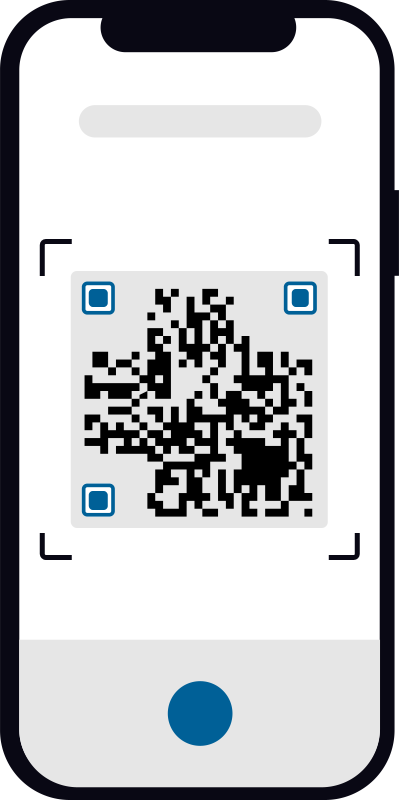
Give individually tracked items a QR code so your team can open the right record quickly from a phone.
Record physical condition separately from availability, so assigned, damaged and repair-ready items stay clear.
See when equipment was added, issued, returned, moved or updated without piecing together old spreadsheets.
Organise equipment by location and keep shared records current for the people responsible for company assets.
TL-00039
Makita Drill
QR CODE EQUIPMENT TRACKING
Connect a physical item to its EquipLoop record with a QR code. Your team can identify equipment in front of them without searching rows, folders or old messages.
Explore the QR code asset tracking workflow, or use the free QR asset tag generator to prepare labels. Standalone labels do not create equipment records.
ISSUE. RETURN. REPEAT.
Make custody visible from the moment equipment leaves storage until it comes back. EquipLoop keeps the current assignment simple while preserving what happened before.
See the person or team responsible now.
Record when issued equipment is due back.
Capture condition at issue and return.
Keep earlier handovers available for reference.
Managing local equipment handovers? Explore equipment checkout software for South Africa with monthly pricing in rand.
Need a document for a particular handover? Create a free equipment handover PDF for manual acknowledgement.
TL-00039
LT-001
Returned by John Smith
Condition: Good
Issued to John Smith
Returned by Sarah Jones
Condition: Good
Issued to Sarah Jones
Added to EquipLoop
A HISTORY YOU CAN FOLLOW
See when equipment was added, issued and returned, who had it and what condition came back. Answer routine questions from the record instead of relying on memory.
GIVE EACH ITEM AN IDENTITY
Identify individual physical items with asset tags and serial details, from office technology to field equipment. Keep identical models separate when they can go to different people.
Laptops, monitors, phones, tablets and accessories
Power tools, hand tools, test equipment and kits
Harnesses and individually identified safety equipment
Company vehicles, trailers and mobile equipment
Keys, remotes, radios and access cards
Custom categories and fields for everything else
Need to distinguish identical drills or find a particular item's holder? See how to track who has specific tools using individual asset IDs and assignment records.
For store-to-site handovers and damaged returns, explore construction equipment management software.
Issuing protective equipment? Start with the free PPE register and Excel template for employee issue and replacement records.
KEEP THE TRACKING RECORD CURRENT
Record each issue, return and transfer against the right physical unit. The current holder and recorded location depend on your team updating the record when equipment changes hands.
Still using Excel or Google Sheets? Compare the workflow and plan your first records with our equipment tracking spreadsheet alternative.
Need the broader view of availability, operational reports and your team's equipment workflow? Explore equipment management software.
Bulk import is available on paid plans.
START FREE
Use the complete core workflow for free. Upgrade when your operation needs more capacity, bulk import or advanced tools.
FREE FOREVER
No credit card required
Need more room? Business starts at $19 per month for up to 500 equipment units. Compare plans.
COMMON QUESTIONS
Practical answers about managing company equipment with EquipLoop.
Equipment tracking software is a digital system for recording company equipment, where it is, who has it, its condition and its activity history. EquipLoop brings these records together in a searchable workspace.
Add each item to your equipment register, assign it to a person or location, and record issues and returns as they happen. You can also use QR codes to open individual equipment records from a phone.
Yes. EquipLoop records which employee, contractor or team has an item, when it was issued, its expected return date, its condition and the complete handover history.
Yes. EquipLoop supports QR codes for individually tracked equipment. Scanning a code opens the equipment record so authorised users can review its details and complete common tracking actions.
You can manage laptops, phones, monitors, tools, keys, access cards, radios, vehicles, trailers, specialist PPE and other individually identified company equipment. Custom categories and fields help adapt the register to your operation.
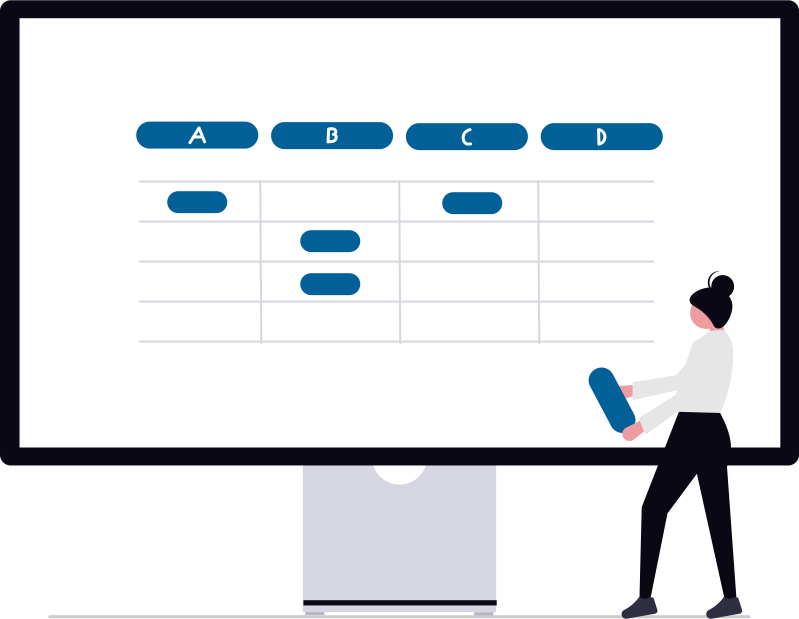
Yes. EquipLoop turns static spreadsheet rows into live equipment records with assignments, returns, condition, QR codes and history. Bulk import is available on paid plans.
Yes. EquipLoop has a Free plan with 50 tracked equipment units, 10 people, 2 EquipLoop users and 1 location. It includes the core equipment register, issue and return, QR code, condition and history workflow.
An equipment unit is one physical item with its own identity, such as laptop LT-001 or drill DR-014. Each individually tracked item counts as one equipment unit.
BUILD A RELIABLE RECORD
Create your free EquipLoop workspace and start tracking equipment, assignments, returns, condition and history today.