 EquipLoop
Construction equipment tracking / THE EQUIPLOOP JOURNAL
How to Know Who Has Your Construction Equipment
Know who has your construction equipment with a practical issue-and-return process covering named holders, site handovers, condition and return dates.
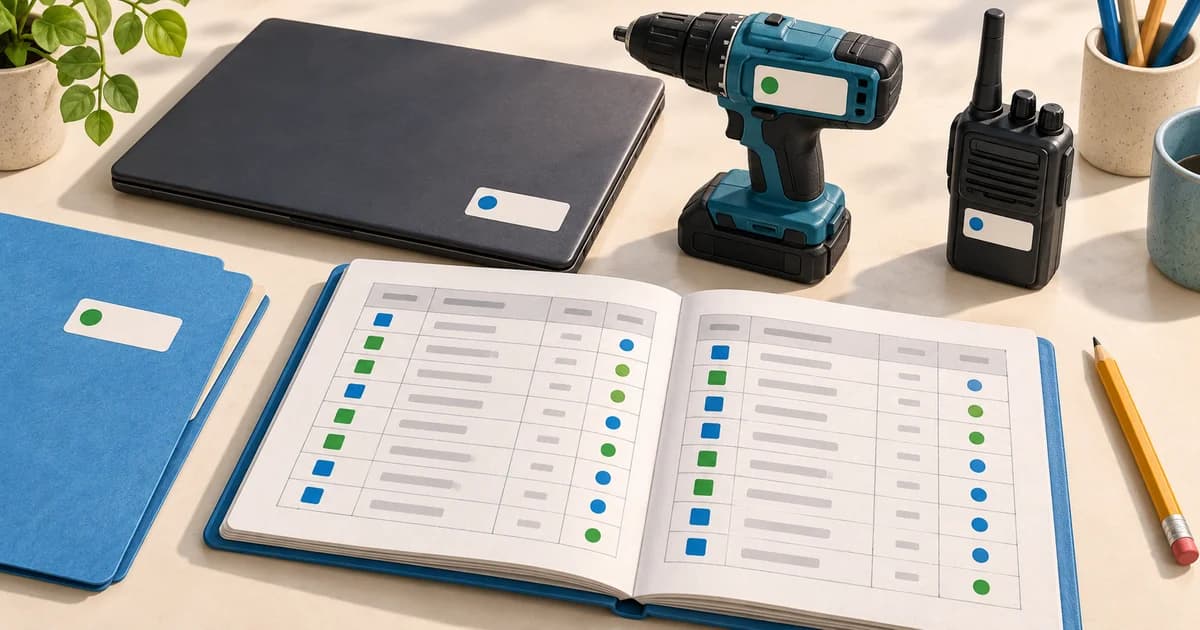
To know who has your construction equipment, give each item a unique ID, record a named holder and update the record whenever it changes hands. Keep the site, issue date, expected return and condition alongside that assignment. Preserve previous handovers so you can follow what happened when the current record does not match the physical item.
A list of tools tells you what you own. An issue-and-return process tells you who last received each item and whether it has come back. This guide shows how to put that process into practice for drills, laser levels, generators and other individually tracked site equipment.
Give each physical item its own identity
Two identical drills need separate records if they can go to different people. Give each one a permanent asset ID, such as DR-001 and DR-002, and record its serial number where available. Keep that ID when the item changes worker or site.
Attach a readable label in a position suitable for the equipment. Check the manufacturer's instructions before choosing its placement, and do not cover controls, ventilation or safety information. Keep the printed ID readable even if you also use a QR code.
The QR asset tag generator can help you prepare labels. A standalone label does not create an equipment record or record a handover: it needs to connect to a record your team maintains.
Record the person and the site separately
“Site A” tells you where equipment was recorded, but it does not tell you who received it. Keep separate fields for the named holder and recorded location.
For example, a laser level can be assigned to Example Worker A while its recorded location is Site A. If it is stored in a shared site container, agree who confirms its receipt and who updates the register when it leaves.
Choose one place for the current record and make the update responsibility clear. If a foreman records handovers for the crew, workers need a practical way to report a change at the time it happens.
Capture these details when equipment leaves the store
Use this checklist for each issue. The example values are fictional.
| Field | Example | What it helps establish |
|---|---|---|
| Asset ID | LL-014 | Which physical item changed hands |
| Description | Laser level and case | What was issued |
| Serial number | DEMO-LL-014 | A second identifier, where available |
| Received by | Example Worker A | The named holder |
| Issued by | Example Storekeeper | Who recorded the handover |
| Issue date and time | 21 October 2026, 07:15 | When the assignment began |
| Recorded site | Site A | The intended working location |
| Expected return | 23 October 2026 | When to follow up |
| Condition at issue | Good; no visible damage | The observed starting condition |
| Accessories | Case, charger and tripod | What should come back with the item |
| Acknowledgement | Receipt confirmed on handover form | How receipt was confirmed, if used |
Check the item together where practical. Describe faults specifically rather than writing “used” or “fine” when there is a visible problem. An acknowledgement records receipt; it does not replace the equipment details or a physical check.
Use the equipment issue register as a starting point. If you also need a separate document, the equipment handover form generator creates a PDF for manual acknowledgement.
Record handovers between workers and crews
Equipment can change hands without returning to the store. Make that change a recorded event too.
- Identify the item by its asset ID.
- Confirm the person handing it over and the person receiving it.
- Record the handover time, site, condition and accessories.
- Confirm or change the expected return date.
- Update the current holder while keeping the earlier event in history.
In a spreadsheet, keep a current equipment sheet and a separate movement log. Add each handover as a new row in the log, then update the current sheet. Simply replacing a name loses the earlier assignment.
If someone reports a handover late, distinguish the reported event time from the time you entered it. Mark uncertain details for confirmation rather than filling gaps from memory.
Worked example from issue to return
This is a fictional process example, not a customer case study or a representation of a particular software screen.
| Event | Handover record | Current view after the event |
|---|---|---|
| Issue from store | LL-014 issued to Example Worker A for Site A, with case, charger and tripod | Holder: Worker A; recorded site: Site A; expected return: 23 October |
| Crew handover | Worker A hands LL-014 and all listed accessories to Example Worker B; the change is confirmed and recorded | Holder: Worker B; recorded site: Site A; earlier issue retained in history |
| Return to store | Worker B returns the level, case and tripod; the charger is missing | Level physically received at store; missing charger recorded; availability held for review |
| Reconciliation | Storekeeper checks the issue list and asks about the charger; the discrepancy remains open until resolved | Current record reflects the observed condition and accessory discrepancy |
The handover history gives the storekeeper a place to begin checking. It does not establish why an accessory is missing or prove that the last holder caused the loss.
Check equipment before closing the return
When an item comes back, compare it with the issue record. Confirm its identity, condition and listed accessories, then record who received it and when.
Keep availability separate from condition. A returned drill with a damaged cable should not become ready to issue merely because it is back on the shelf. Follow your site's process for separating damaged equipment and arranging an appropriate assessment.
If only part of a kit comes back, describe exactly what was received and what is outstanding. Avoid closing the whole return as complete when the record still needs follow-up.
Choose a sign-out sheet, spreadsheet or software
Choose a method your crew can update at the handover point. The comparison below is a practical decision guide, not a measured performance comparison.
| Method | When it can fit | What you need to manage |
|---|---|---|
| Paper sign-out sheet | A supervised store with one issue point | Legible entries, accessible sheets and reconciliation with equipment on site |
| Shared spreadsheet | A team that can maintain one agreed file | Consistent names and IDs, edit access, current assignments and a separate movement log |
| Equipment tracking software | Several people recording issues and returns against shared equipment records | User access, the actual supported workflow and consistent updates by the team |
A spreadsheet can be a useful starting point. Our guide to setting up an equipment register includes a downloadable CSV for the equipment list. Add your handover log alongside it.
EquipLoop's equipment tracking software connects equipment records with people, issue dates, expected returns, condition and history. Its QR code asset tracking workflow lets authorised users open an item's record from its label and record supported actions.
A QR code does not broadcast an item's location. The recorded holder and location depend on updates to the record. If you need automatic physical location reporting, assess suitable tracking hardware separately. Software also needs a team habit: an unrecorded handover leaves the record behind reality.
Handle missed updates and missing equipment
When an item cannot be found, start with the last recorded holder and handover. Ask whether it moved to another worker, vehicle, store or site, and compare that account with the movement history.
Confirm the physical item before treating the discrepancy as resolved. If the register was wrong, correct the current assignment and keep a note explaining the correction. If the item remains missing, record that uncertainty and follow your organisation's escalation process.
Choose a physical-check routine that fits how often equipment moves. For example, you might check shared items at a shift handover or review outstanding issues before a crew leaves a site. These are suggested routines to adapt, not mandatory intervals.
Start with one crew and a complete handover cycle
Pick one equipment category or crew, identify the items already in use and confirm their current holders. Agree who records each issue, worker handover and return. Then run through a complete cycle and check whether someone else can answer who has each item from the record alone.
Use the equipment issue register if a manually maintained log fits your team. If you need shared equipment records, start an EquipLoop register and try an issue and return with a few items. Check the current plans and limits before choosing capacity for more people or sites.
PUT IT INTO PRACTICE
Give every piece of equipment a clear record.
Track who has it, where it is and what happened to it. Start your asset register with EquipLoop.
Start tracking for free